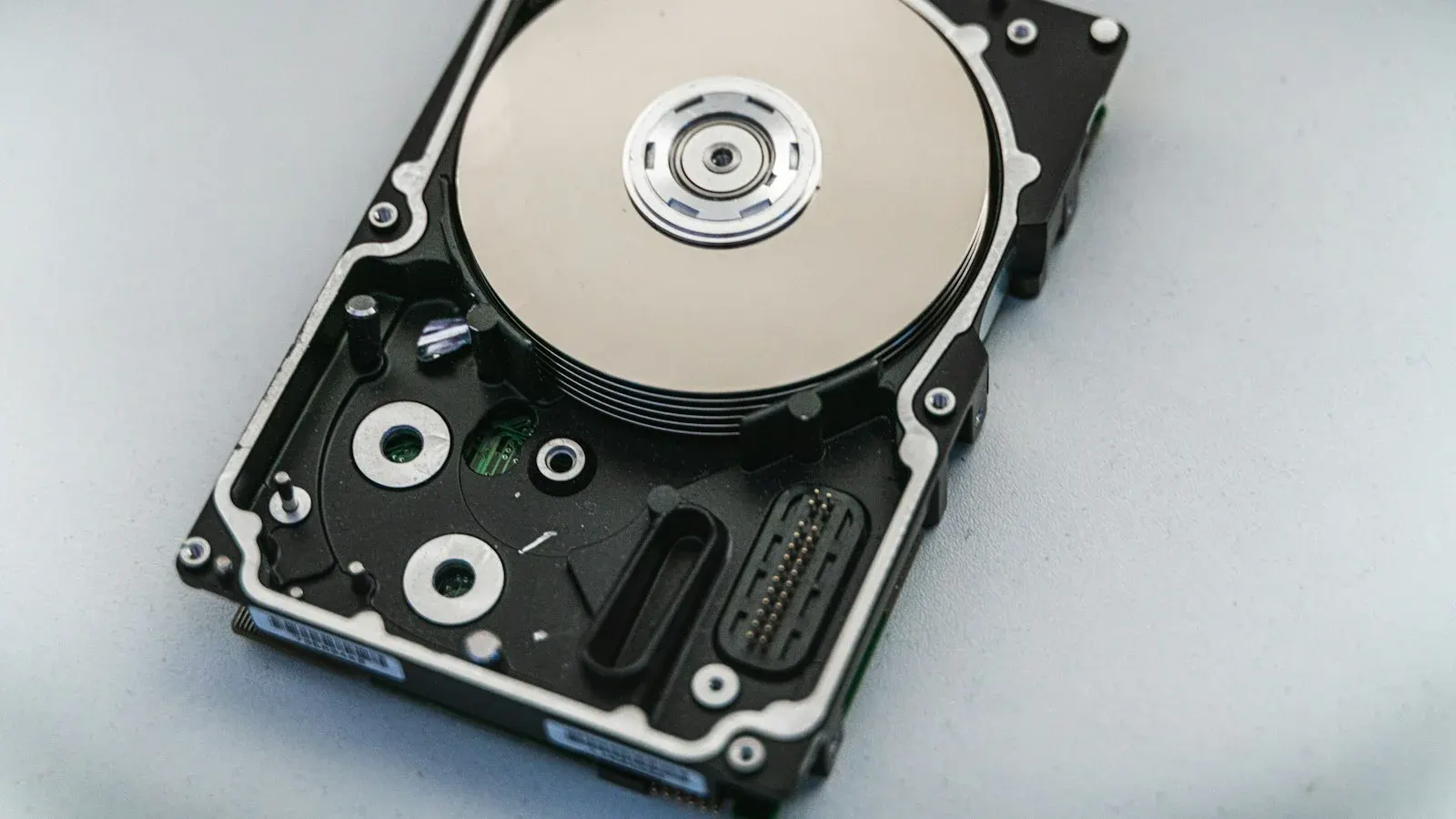


How to Back Up Your WordPress Website (and Restore It)
Backups are your safety net when something goes wrong. Learn what to back up, how often, and how to make sure you can actually restore it.
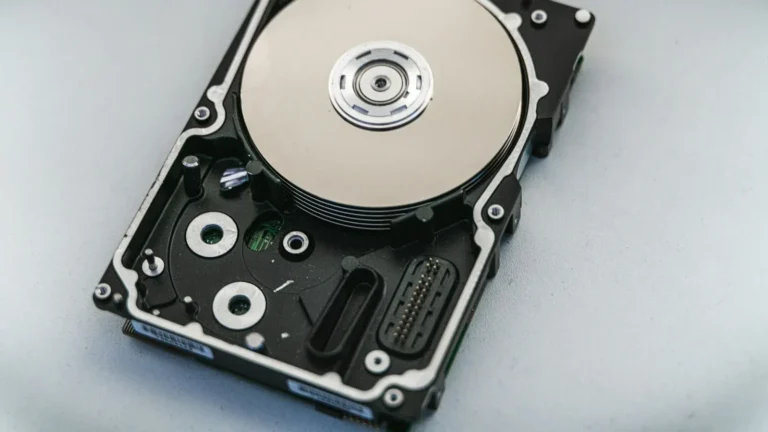
Updates go wrong, sites get hacked and mistakes happen. A good backup turns a disaster into a five-minute fix.
What needs backing up
- The database: your posts, pages, settings, users and orders.
- The files: themes, plugins and your media uploads.
You need both to restore a working site.
How often?
Daily backups suit most business sites. Busy online stores should back up more often, or use real-time backups so no orders are lost.
Where to store backups
Never keep backups only on the same server as your website. Store copies off-site — for example in cloud storage — so a server problem does not take your backups with it.
Backup options
- Hosting backups: many managed hosts include daily backups.
- Backup plugins: tools like UpdraftPlus can send backups to cloud storage on a schedule.
- Managed maintenance: a team handles backups, checks and restores for you.
Test your restores
A backup is only useful if it works. Try restoring to a staging site every few months to be sure.
The best time to set up backups is before you need them.
Daily off-site backups and quick restores are included in our maintenance & security plans.
Further reading
Let our WordPress team handle it.
Related services: Maintenance & Security · WordPress Migration
Get a free quoteMore articles.

How to Choose the Right WordPress Hosting for Your Business
Your hosting decides how fast, safe and reliable your website is. Here is how to pick the right WordPress hosting without overpaying.
Read article →
Your WordPress Site Has Been Hacked — What to Do Next
Spotted strange redirects, spam pages or a Google warning? Stay calm and follow these steps to clean and secure your WordPress website.
Read article →
What Is a Staging Site and Why Do You Need One?
A staging site lets you test changes safely before they go live. Learn how it works and why every serious website should have one.
Read article →Ready for a website that works?
Tell us about your project. We'll reply within one business day with ideas, a timeline and a fixed quote.
project ↗
